Build your own routine
Add the exercises you use, choose their order, and set the working-set targets for each training day.
Gym workout planner
Use Harda as your gym routine builder: choose exercises and training days, organize workouts in folders, and turn the plan into a session you can log. Start from your own routine, an editable plan or an imported program.
Download on theApp Store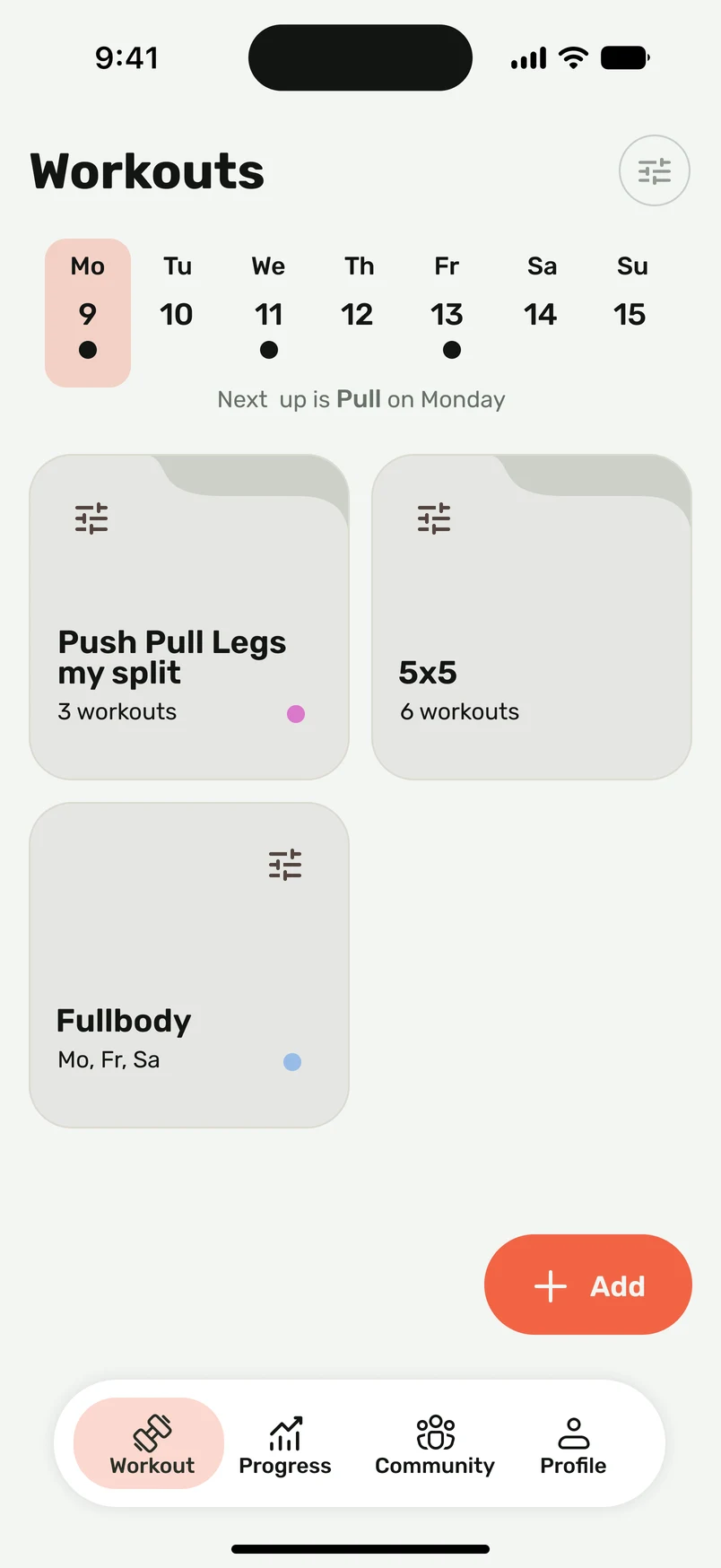
Inside your program
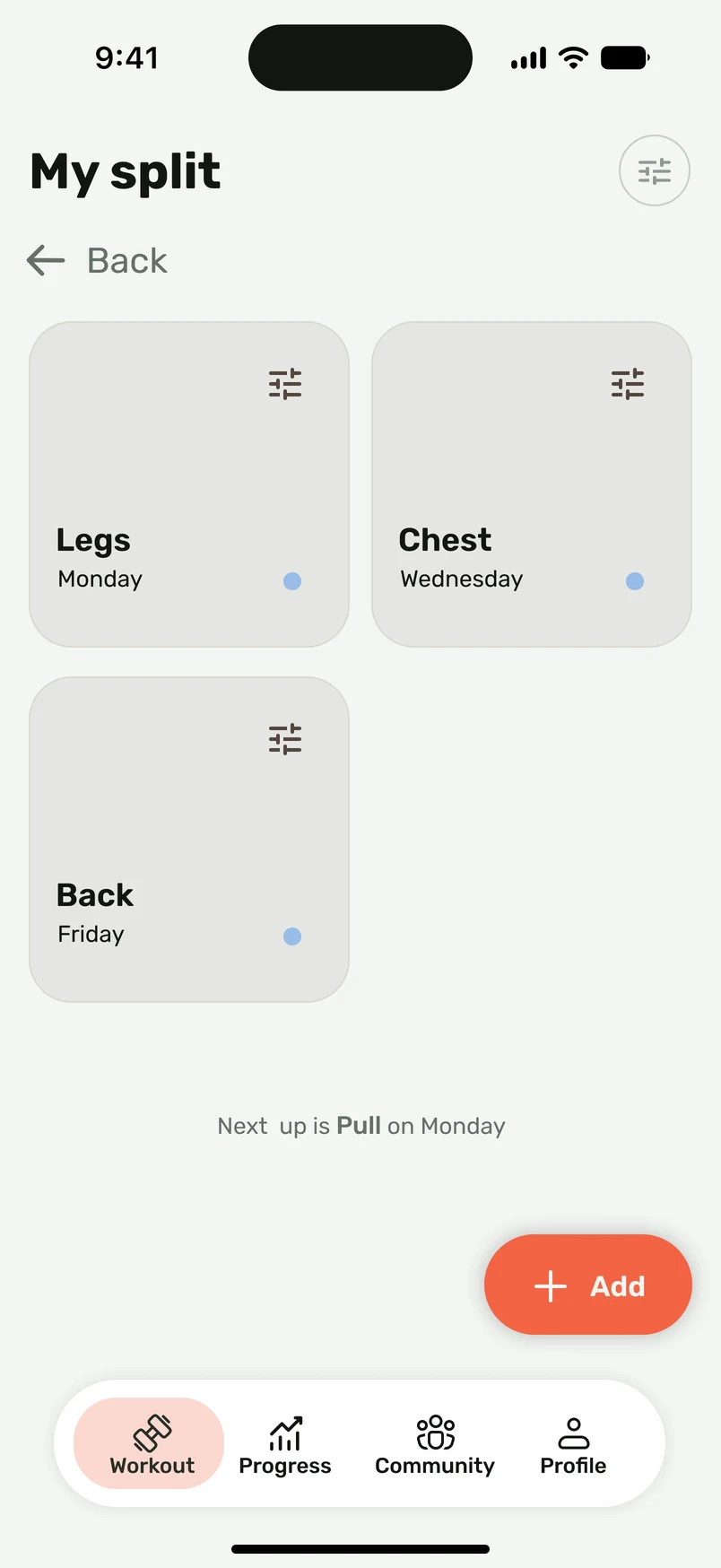
The home screen keeps your programs together. Open a folder to find its individual workouts and scheduled days. A folder is the program; each workout is a session you can edit and perform.
A useful workout planner gives you a starting point while keeping exercise selection, order, and set targets under your control.
Add the exercises you use, choose their order, and set the working-set targets for each training day.
Tell Seryozha your training schedule, available time, location and priorities. Review the resulting plan and change exercises or days to fit.
Import the routine from text, a screenshot, a photo, or a voice description. Review the result before saving it.
Open the saved routine in your workout, record actual performance, and review the previous session before the next one.
Keep the training days of a program together. For example, a Push Pull Legs folder can contain separate Push, Pull and Legs workouts instead of one long list of exercises.
Use a schedule you can repeat and choose the routine or starting plan that fits it.
Review exercise order, equipment, sets, and rep targets. Adjust the routine around what you can actually use.
Record what you completed, review the result, and edit the routine as your training changes.
One simple schedule alternates two sessions. Keep recovery days between them and repeat the opposite sequence the following week.
| Day | Week one | Week two |
|---|---|---|
| Monday | Workout A | Workout B |
| Wednesday | Workout B | Workout A |
| Friday | Workout A | Workout B |
An example schedule, not an individual training prescription. The full-body workout guide includes exercise and rep templates you can adjust.
Good to know
Yes. Build the routine using your own exercise selection, order, and targets. You can also edit a starting plan.
Yes. Adjust exercises and training days as your available equipment, schedule, or preferences change.
Use the workout import flow to bring the plan into Harda, then review the detected exercises, sets, and reps.
Choose a repeatable schedule that fits your experience, recovery, and available time. The workout library includes full-body, upper/lower, and push/pull/legs templates.